 Furnishi
Look inside before you talk to anyone.
These are screenshots of the working panel, captured from the running build — not mockups. You can also open the live prototype and click through it yourself.
The operations desk.
Seventeen screens. What each user sees inside them depends on their role — the screenshots below are the Factory Manager view, which is the widest one.
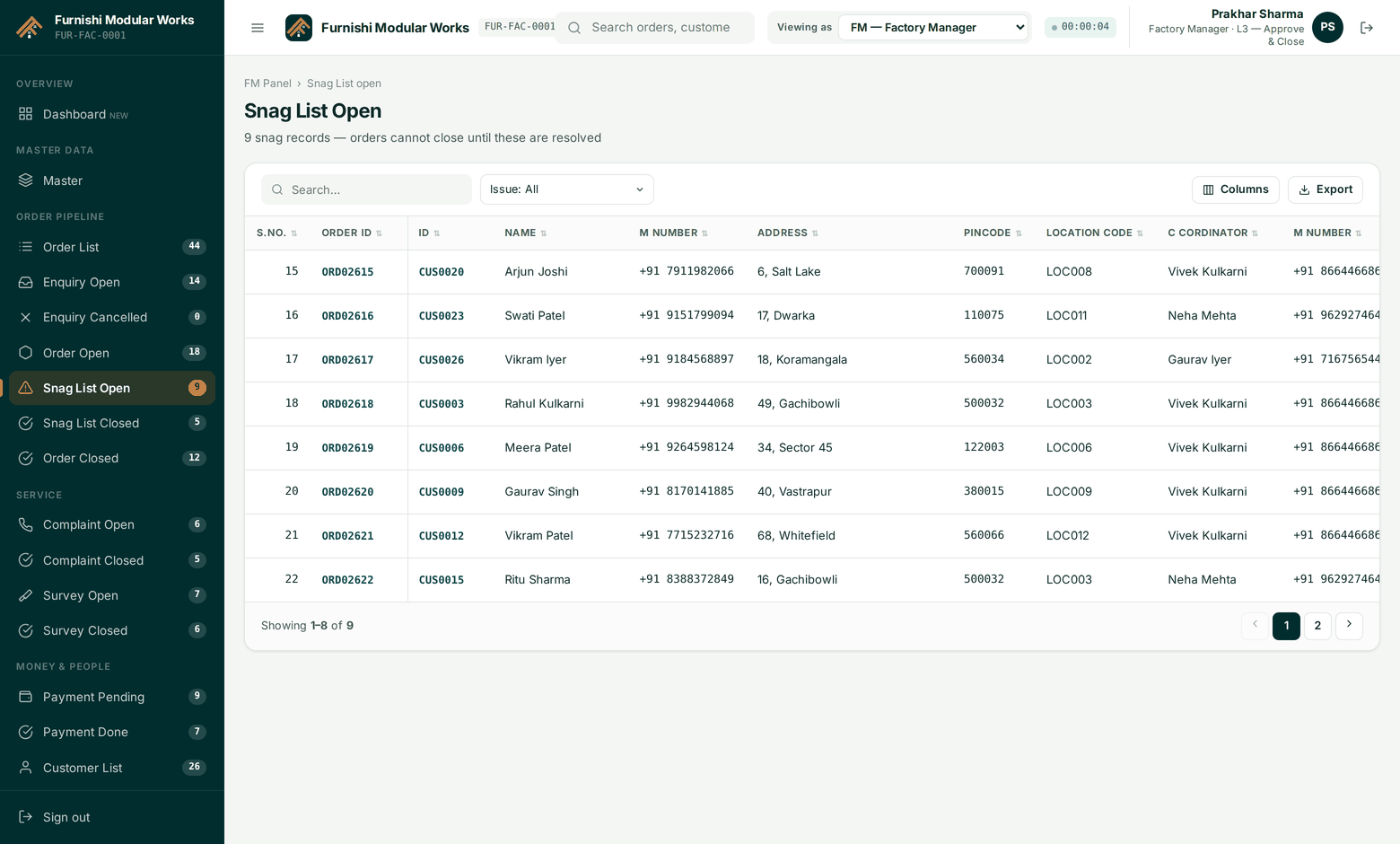
Dashboard
Pipeline by stage, ageing, snag rate and payout liability — read from live records, not a weekly re-key.
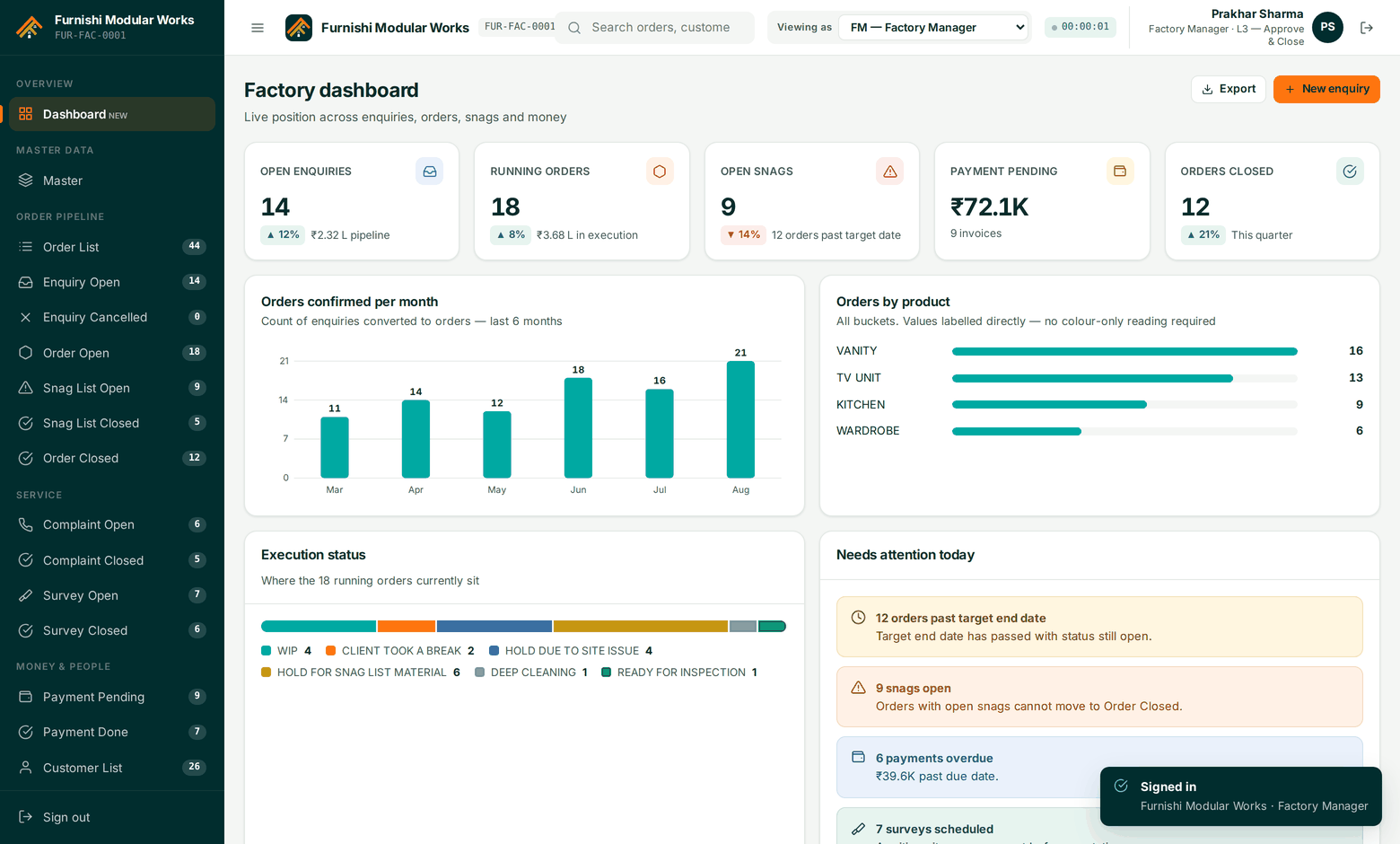
Order Open
Every live job with its partner, status and dates. Filter, sort, bulk-assign and export.
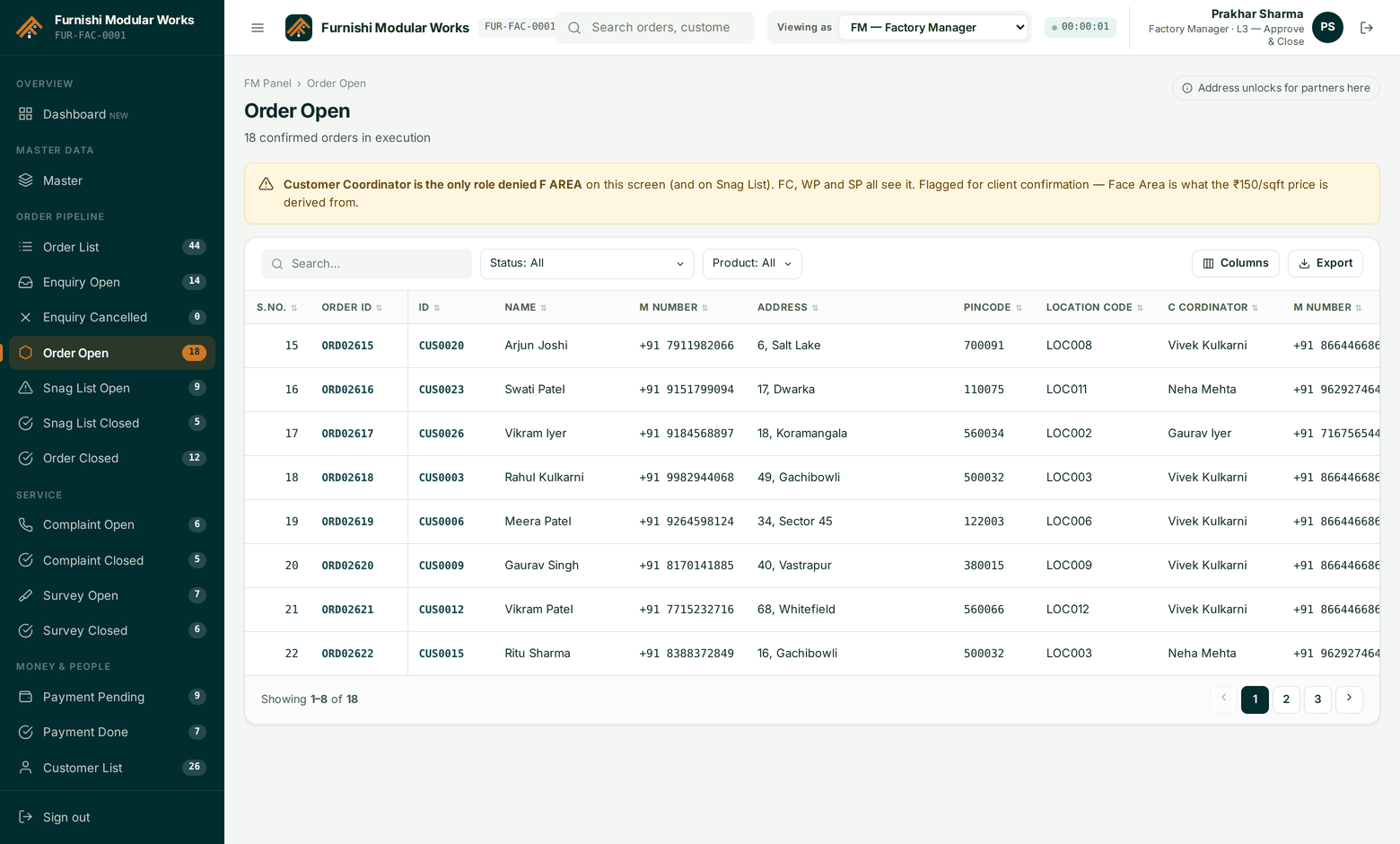
Enquiry Open
Enquiries awaiting confirmation, with the quote calculated from face area and the rate card.
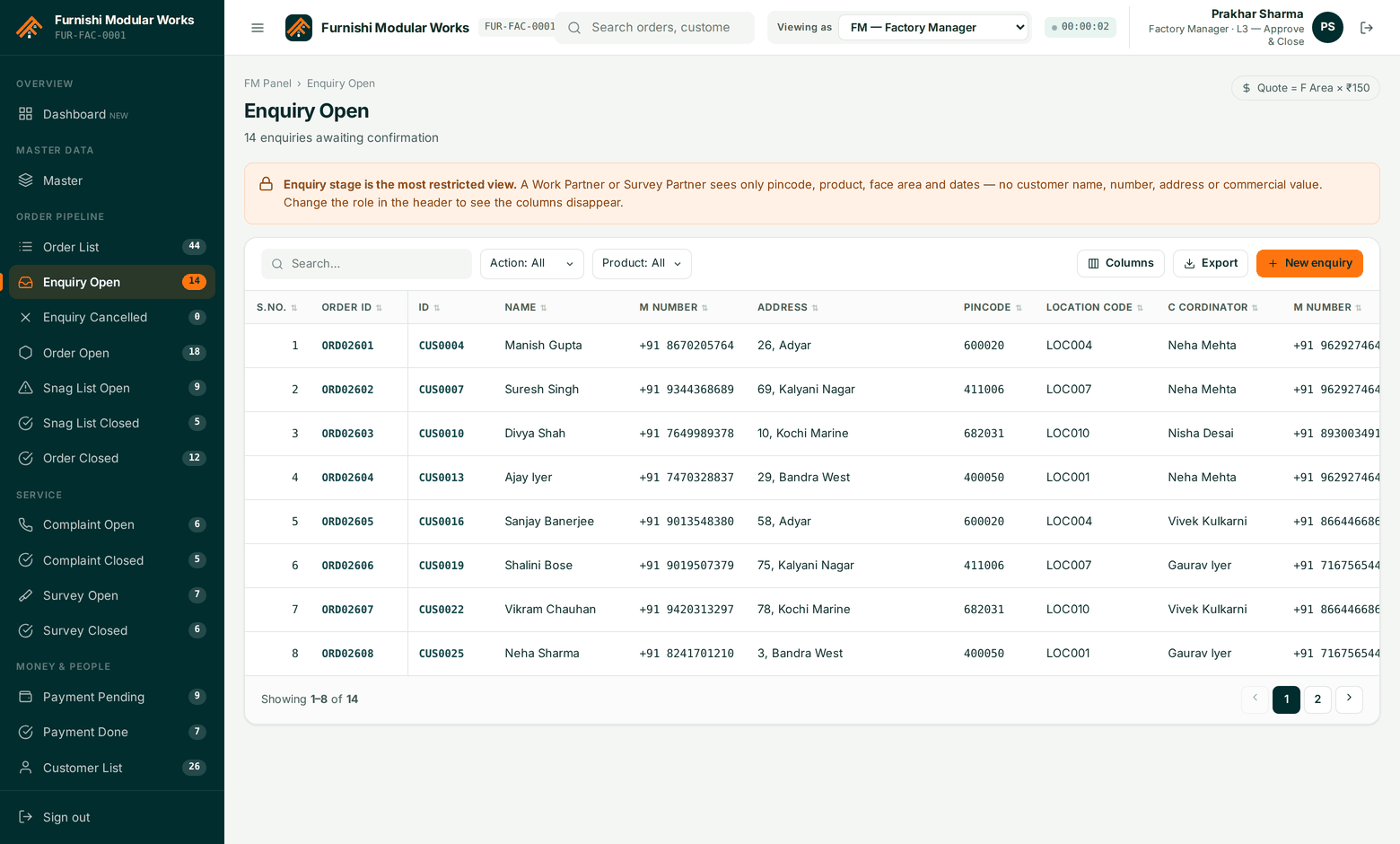
Snag List Open
Issue, reason, solution and action with photo and video proof. Fix cost is factory-only.
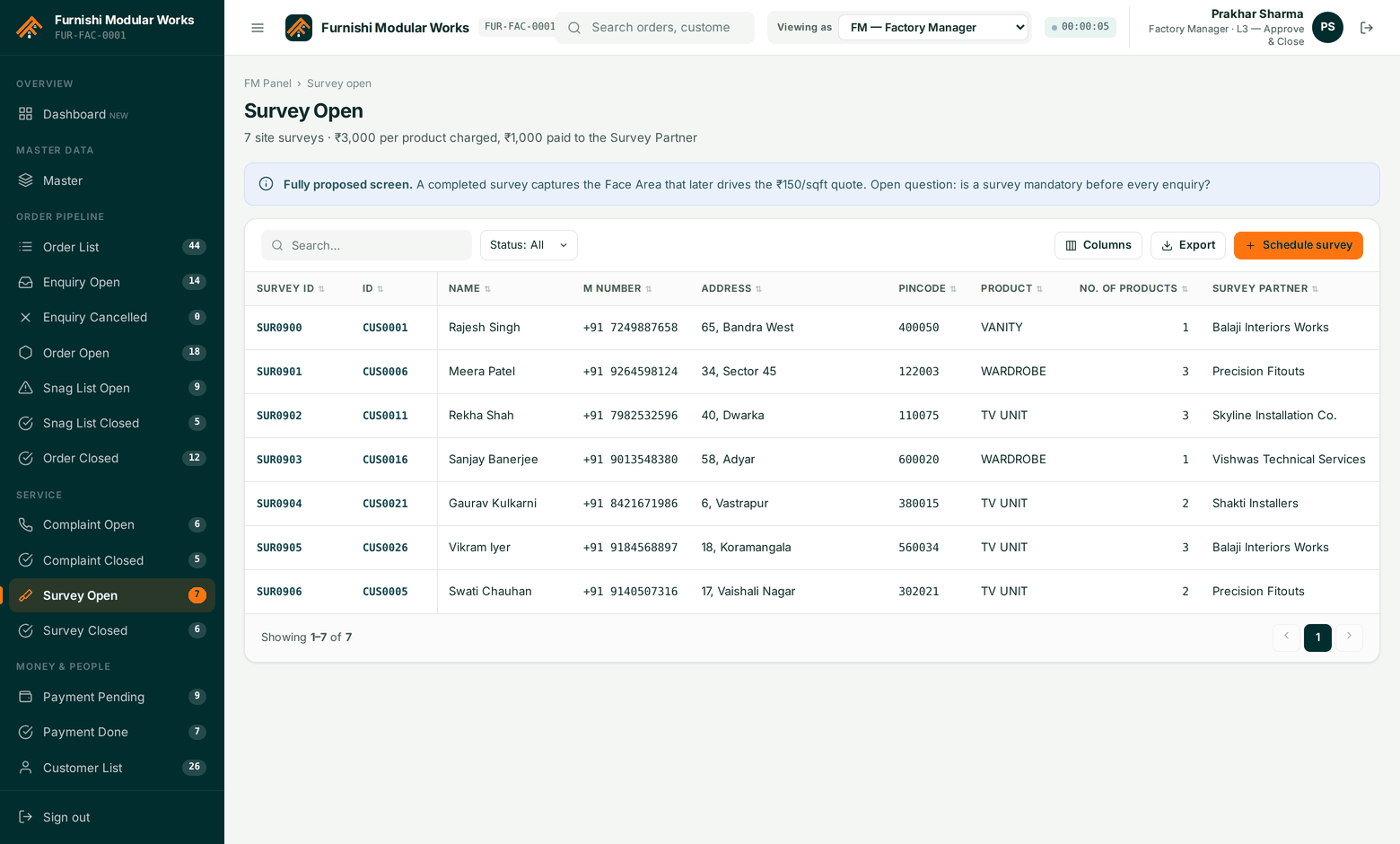
Survey Open
Assigned surveys with the partner, the location code and the measurement attachments.
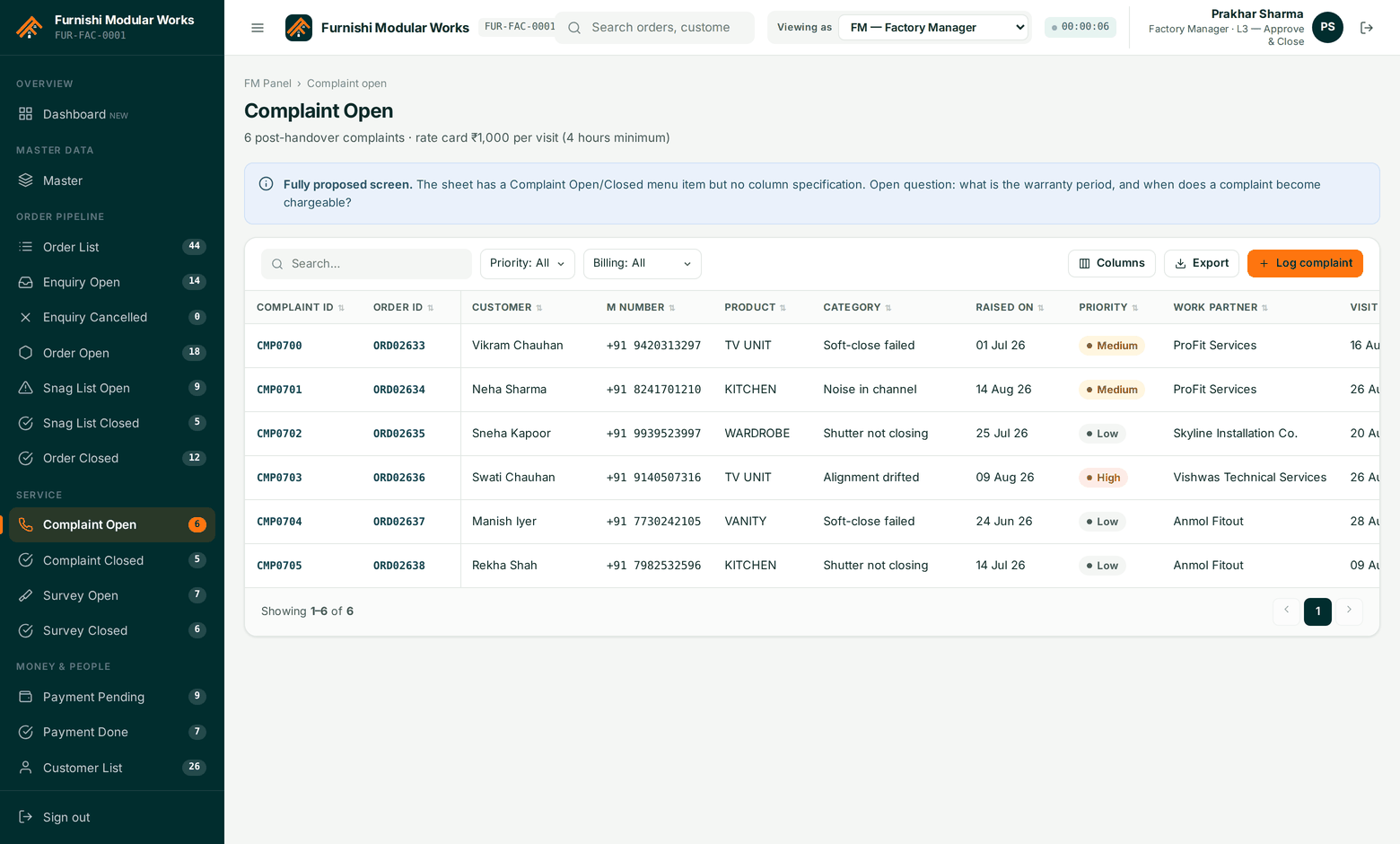
Complaint Open
Post-handover complaints with their SLA clock, routed to the partner who did the work.
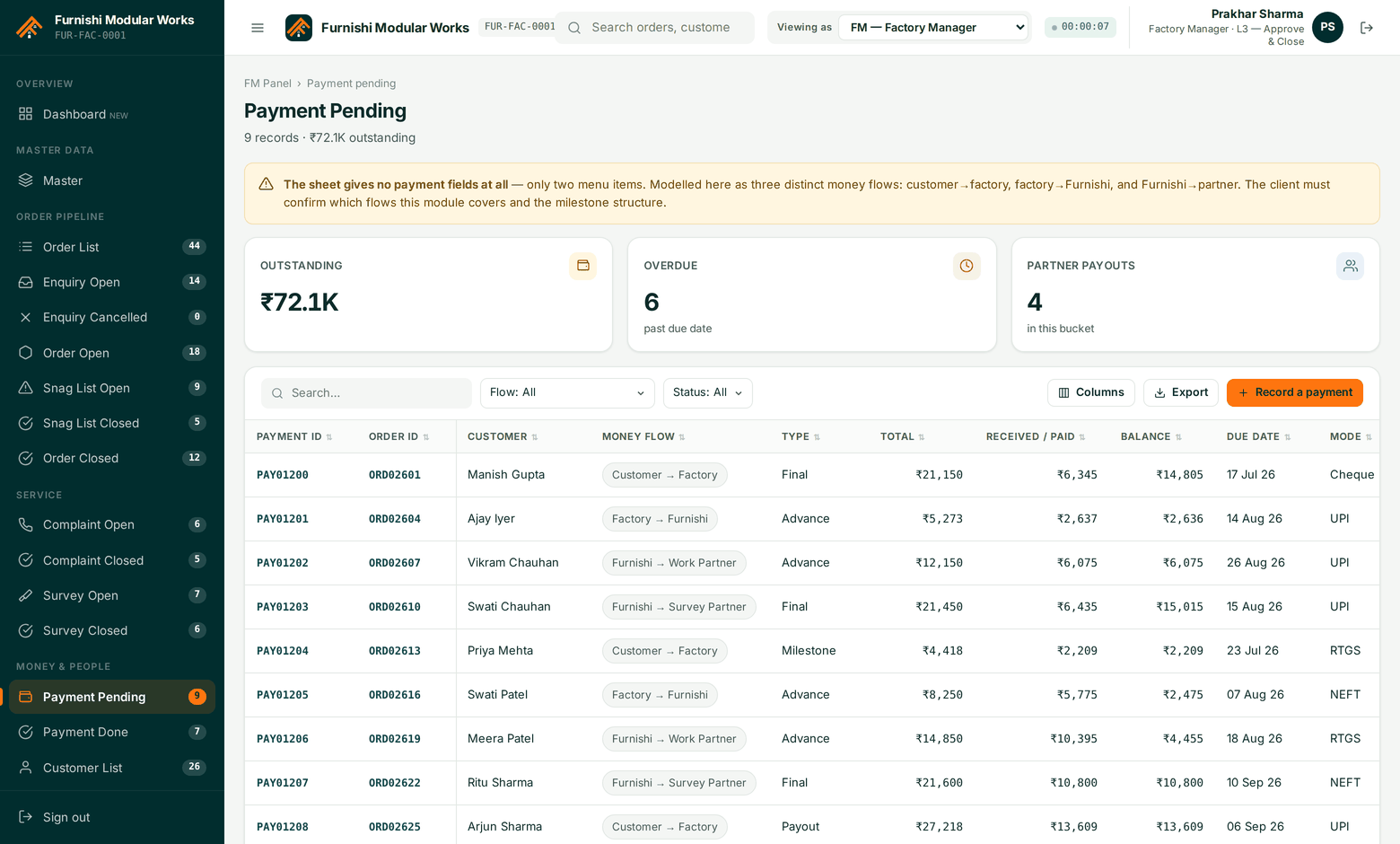
Payment Pending
Partner payouts waiting on order closure and L3 approval, with the amount computed from work done.
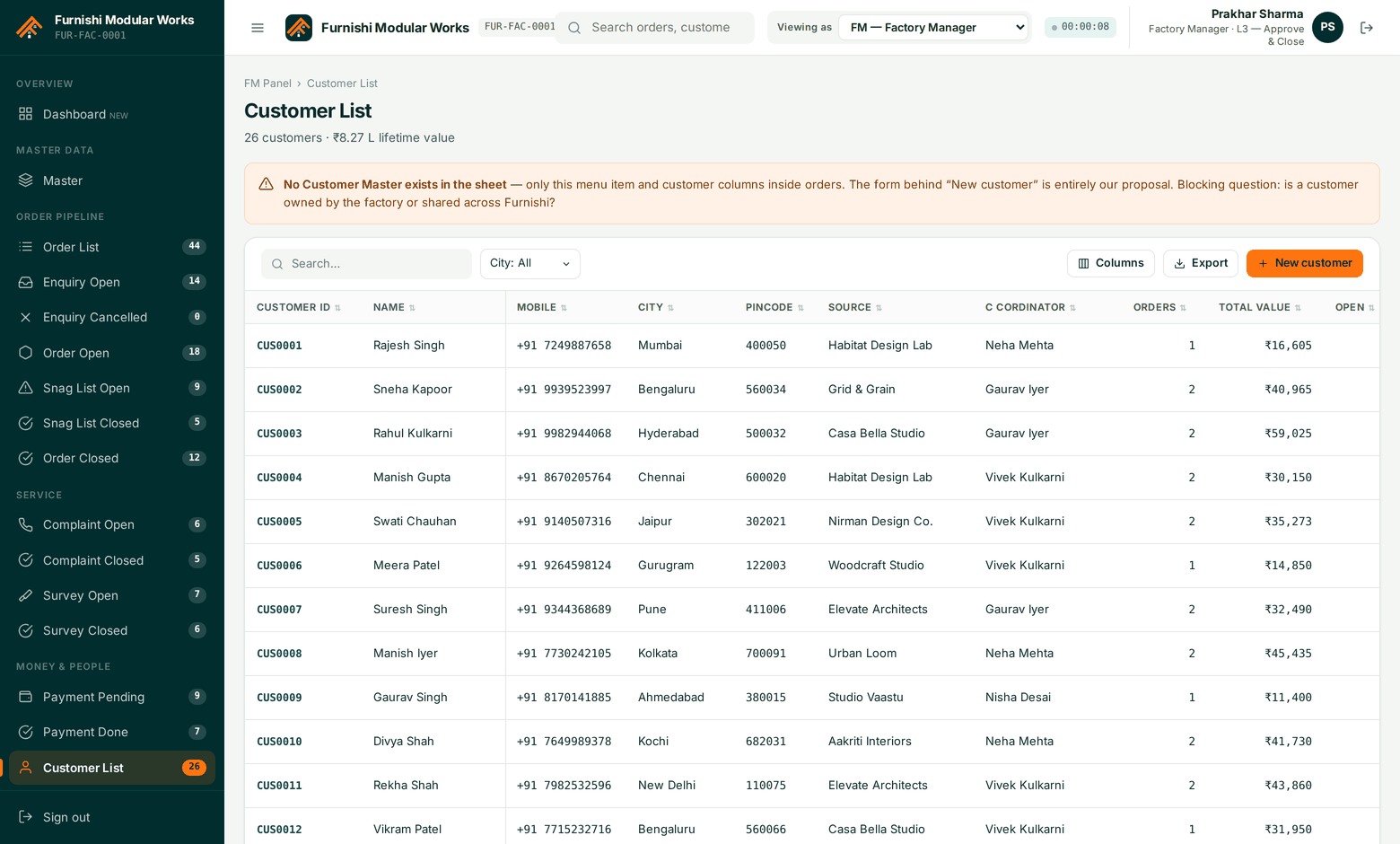
Customer List
Your customers — visible to your own staff, never to an outside partner firm.
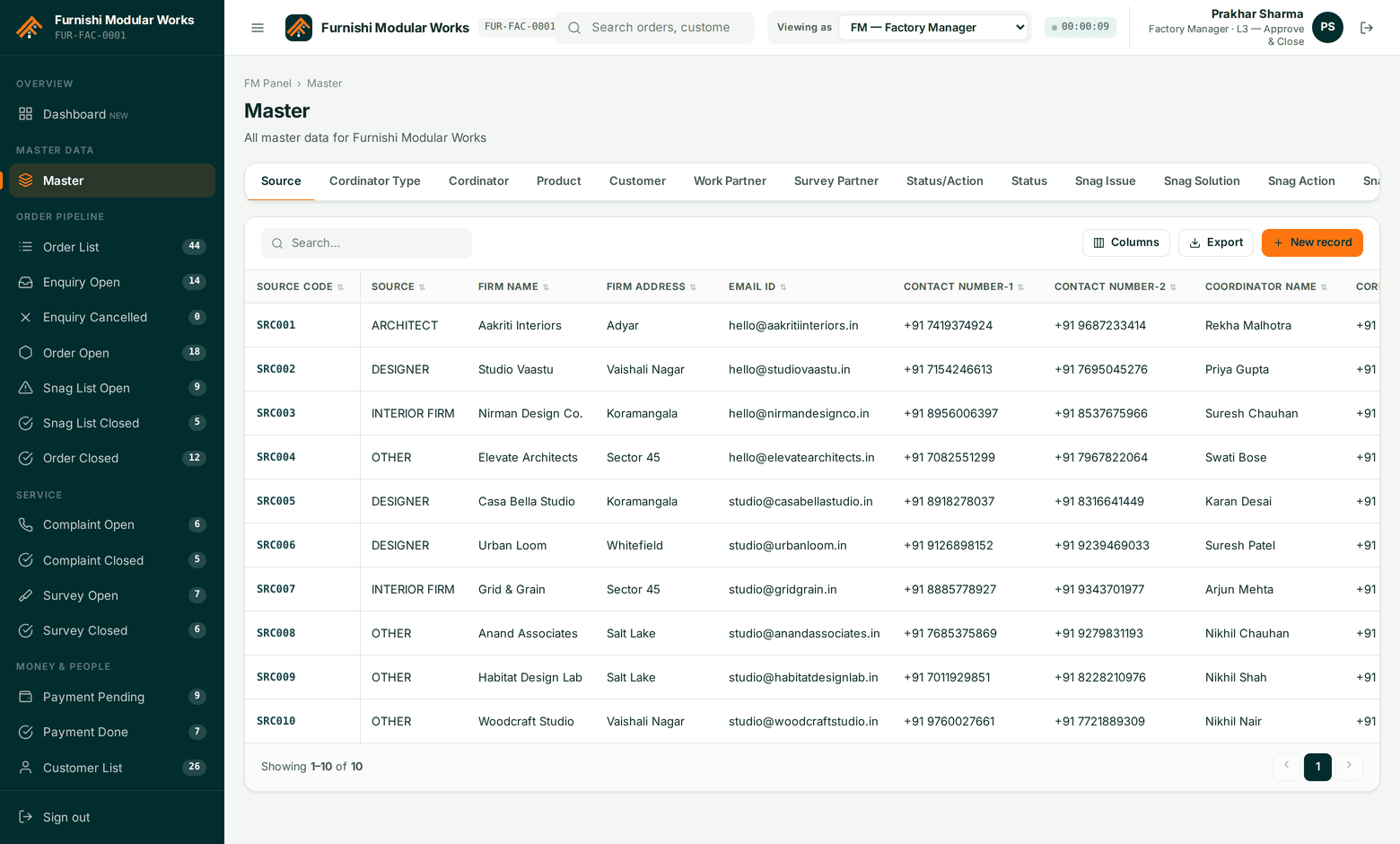
Master
Products, codes, locations, source firms, work types and statuses in one place.
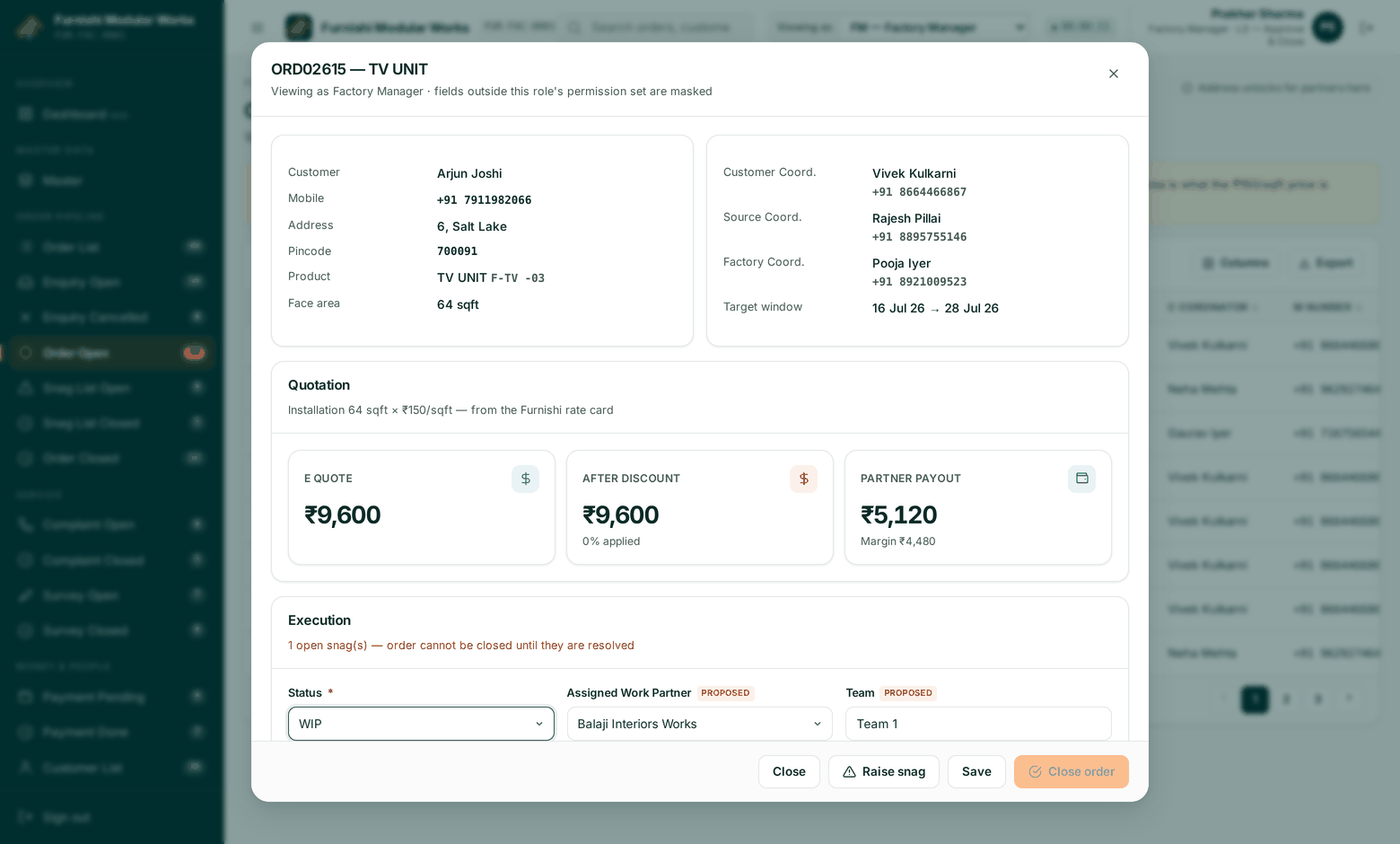
Order detail
The full record on one sheet: parties, product, dates, status history, snags, media and money.
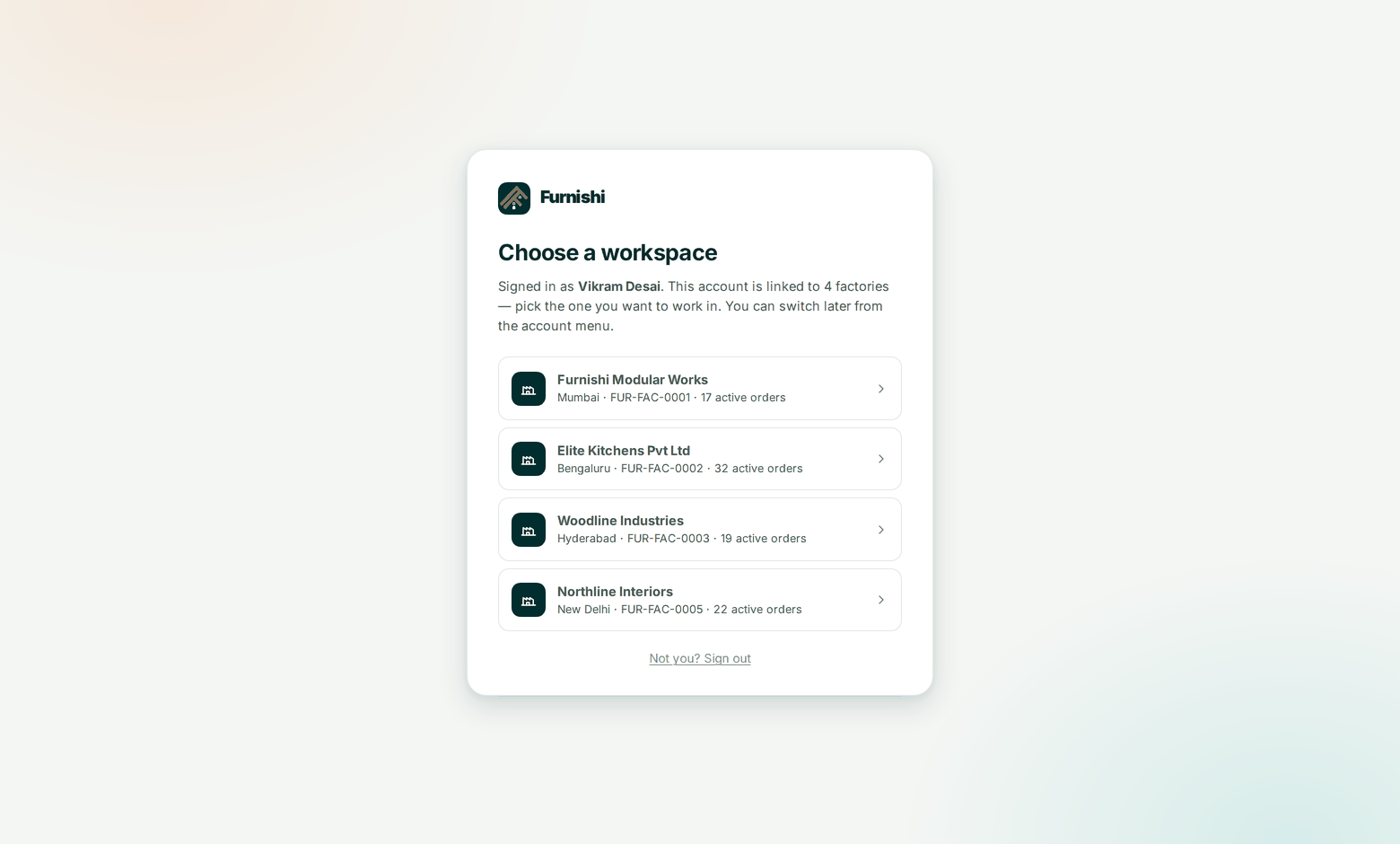
Two front doors, on purpose.
Factory and partner users sign in at one address. Furnishi platform staff sign in at another, with two-factor mandatory and access restricted to allow-listed networks. Neither page asks you to pick which company you belong to — that comes from your account.
- /login — factory managers, coordinators and partner firms.
- /admin — Furnishi platform staff only, 2FA enforced, not indexed.
- Multi-site accounts choose a workspace after credentials are verified.
- Support impersonation of a tenant is logged in that tenant’s own audit trail.
Want a guided tour instead of screenshots?
A 40-minute walkthrough on your data — your products, your partner firms, your rate card. No slide deck.